How to Merge, Split & Compress PDF Files Online for Free (2026)
PDFs are everywhere. Your bank sends statements as PDFs. Your college wants assignments submitted as PDFs. Your client sends a contract as a PDF. Your boss wants five separate reports combined into one PDF.
And every time you need to do something simple — merge two files, remove a page, or shrink the file size — you end up downloading sketchy software or hitting a paywall after one free use.
I have been there. After trying Adobe, iLovePDF, Smallpdf, and a dozen others, I finally found a set of tools that are actually free — no limits, no signup, no “upgrade to premium” popups.
Let me show you exactly how to handle every common PDF task in under 2 minutes.
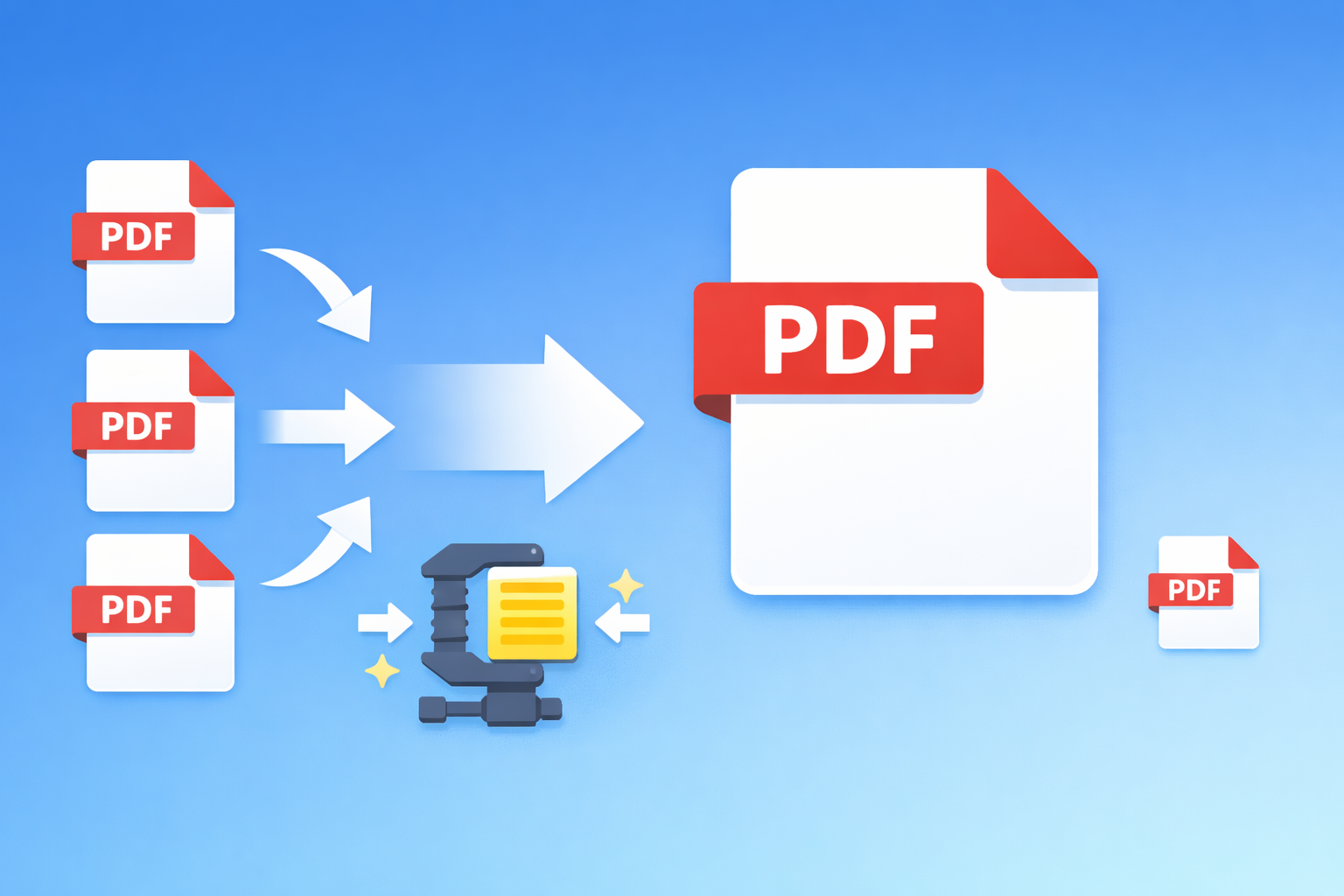
How to Merge PDF Files (Combine Multiple PDFs Into One)
When you need this: Combining multiple scanned documents, merging chapters into one eBook, attaching multiple receipts into one expense report.
Step-by-step:
- Open the PDF Merge Tool
- Drag and drop all the PDF files you want to combine
- Rearrange them in the order you want by dragging
- Click “Merge” and download your combined PDF
That is it. No signup. No watermark. No file size limits.
Why this matters: Most “free” PDF mergers limit you to 2 files or add a watermark. This one does not. I have merged 15+ files at once without issues.
How to Split a PDF (Extract or Remove Pages)
When you need this: Extracting specific pages from a long document, removing unnecessary pages, breaking a large PDF into smaller files.
Step-by-step:
- Open the PDF Split Tool
- Upload your PDF file
- Select which pages you want to extract (for example, pages 3-7)
- Click “Split” and download
Real-world example: I had a 45-page bank statement but only needed pages 12-15 for a loan application. Took me 10 seconds.
How to Compress a PDF (Reduce File Size)
When you need this: Email attachments have a size limit (usually 25MB). Government portals often reject files over 2MB. Large PDFs are slow to open and share.
Step-by-step:
- Open the PDF Compress Tool
- Upload your large PDF
- The tool automatically compresses it
- Download the smaller file
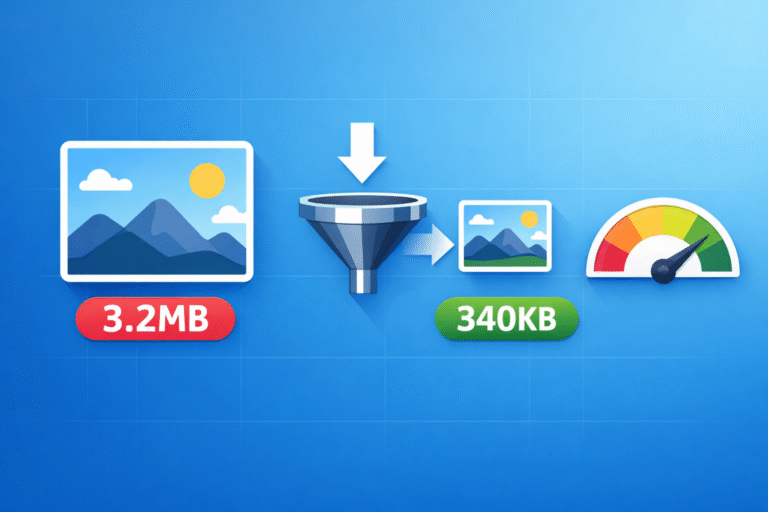
Results you can expect: A 10MB PDF typically compresses down to 2-3MB without any noticeable quality loss. For image-heavy PDFs, the savings are even bigger.
How to Convert PDF to Other Formats
Sometimes you need your PDF in a different format. Here are the most common conversions:
PDF to Word
Need to edit text in a PDF? Convert it to a Word document first.
Use the PDF to Word Converter — it preserves formatting, tables, and images while making the text fully editable.
PDF to Image
Need PDF pages as JPG or PNG images? Maybe for a presentation or social media post.
The PDF to Image Converter converts each page into a high-quality image that you can use anywhere.
Image to PDF
Have scanned images or photos that need to be a PDF? The JPG to PDF Converter lets you combine multiple images into a single PDF document. Perfect for creating a PDF portfolio or digitizing paper documents.
CSV to PDF
Need to share spreadsheet data as a clean PDF? The CSV to PDF Converter turns your data into a properly formatted PDF table.
How to Edit and Modify PDFs
Beyond the basics, here are more tasks you can do without paying for Adobe Acrobat:
Rotate PDF Pages
Got a scanned document where some pages are sideways or upside down? The PDF Rotate Tool lets you fix the orientation of individual pages or the entire document.
Add Page Numbers
Submitting a long document that needs page numbers? Instead of recreating it, use the PDF Page Numbers Tool to add them automatically. You can choose the position (top, bottom, left, right, center) and starting number.
Add Watermark
Need to mark a document as “DRAFT”, “CONFIDENTIAL”, or add your company name? The PDF Watermark Tool adds text watermarks to every page. You can control the opacity, size, angle, and color.
Crop PDF Pages
Have PDFs with too much white space or margins? The PDF Crop Tool trims the pages to exactly the size you need.
Rearrange Pages
Need to reorganize the pages in a PDF? The PDF Organize Tool lets you drag and drop pages into any order, delete unwanted pages, and save the result.
Sign a PDF
Need to sign a document digitally without printing it? The PDF Sign Tool lets you draw or type your signature and place it on any page. Perfect for contracts, forms, and agreements.
Add Images to PDF
Need to insert a logo, stamp, or photo into a PDF? Use the PDF Add Image Tool to place images anywhere on your PDF pages.
Redact Sensitive Information
Sharing a document but need to hide sensitive data like account numbers, addresses, or personal info? The PDF Redact Tool permanently blacks out selected areas.
Why I Stopped Using Adobe and iLovePDF
I used to rely on iLovePDF and Smallpdf for PDF tasks. They are good tools, but here is why I switched:
| Feature | iLovePDF / Smallpdf | ToolsArena |
|---|---|---|
| Free usage | Limited (2-3 tasks/day) | Unlimited |
| Signup required | Yes, for most features | No |
| Watermarks | On some outputs | Never |
| File upload | Files go to their servers | Processes in your browser |
| Privacy | Your files are stored temporarily | Files never leave your device |
| Ads | Heavy ads on free tier | Minimal |
The privacy part is the biggest deal for me. When I am working with bank statements, contracts, or personal documents, I do not want them sitting on someone else’s server. With ToolsArena’s PDF tools, everything processes locally in my browser.
Complete List of Free PDF Tools
Here is every PDF tool available on ToolsArena, all completely free:
| Tool | What It Does |
|---|---|
| PDF Merge | Combine multiple PDFs into one |
| PDF Split | Extract or separate pages |
| PDF Compress | Reduce file size |
| PDF to Word | Convert to editable Word doc |
| PDF to Image | Convert pages to JPG/PNG |
| JPG to PDF | Convert images to PDF |
| CSV to PDF | Convert spreadsheets to PDF |
| PDF Rotate | Fix page orientation |
| PDF Watermark | Add text watermarks |
| PDF Page Numbers | Add page numbers |
| PDF Crop | Trim page margins |
| PDF Organize | Rearrange or delete pages |
| PDF Sign | Add digital signatures |
| PDF Add Image | Insert images into PDF |
| PDF Redact | Black out sensitive info |
Frequently Asked Questions
Is it really free? Yes. No trials, no premium tier, no “3 free uses per day” limits. Every tool is 100% free.
Are my files safe? Your files are processed entirely in your browser using JavaScript. They are never uploaded to any server. Once you close the tab, the data is gone.
What is the maximum file size? Since processing happens in your browser, it depends on your device’s memory. Most modern laptops and phones handle files up to 50-100MB without issues.
Does it work on mobile? Yes. All tools are fully responsive and work on phones and tablets.
Final Thoughts
You do not need to pay for Adobe Acrobat. You do not need to download desktop software. And you definitely do not need to upload sensitive documents to random websites.
Bookmark ToolsArena’s PDF tools and you will have everything you need to handle any PDF task, completely free.
What PDF task do you struggle with the most? Let me know in the comments and I will show you how to solve it!